Until now, FinaPrism was an iPhone app. On an iPad it did open full screen, but it was a phone app made bigger. Since its November 2026 update, it’s designed for iPad, and it adapts to iPhone Duo: closed, you get the app you already know; open, it uses the whole inner screen.
It’s the same app, in the same place on the App Store: nothing to buy again, and the download is still free.
Why do your budget on a bigger screen
Your phone is still the best place to log a purchase at the till. For everything else, it helps to see it all at once:
- the monthly check-in: your accounts on the left, the chosen account’s transactions on the right, without going back and forth between two screens. The method is in How to make a monthly budget: a simple 4-step method;
- analytics: several charts at a time, rather than one per screen;
- as a couple: an iPad on the table is easier to look at together than a phone, on the day you go through the household’s money. Ways to share costs are in How to split bills as a couple: three fair ways to share.
What changes on iPad
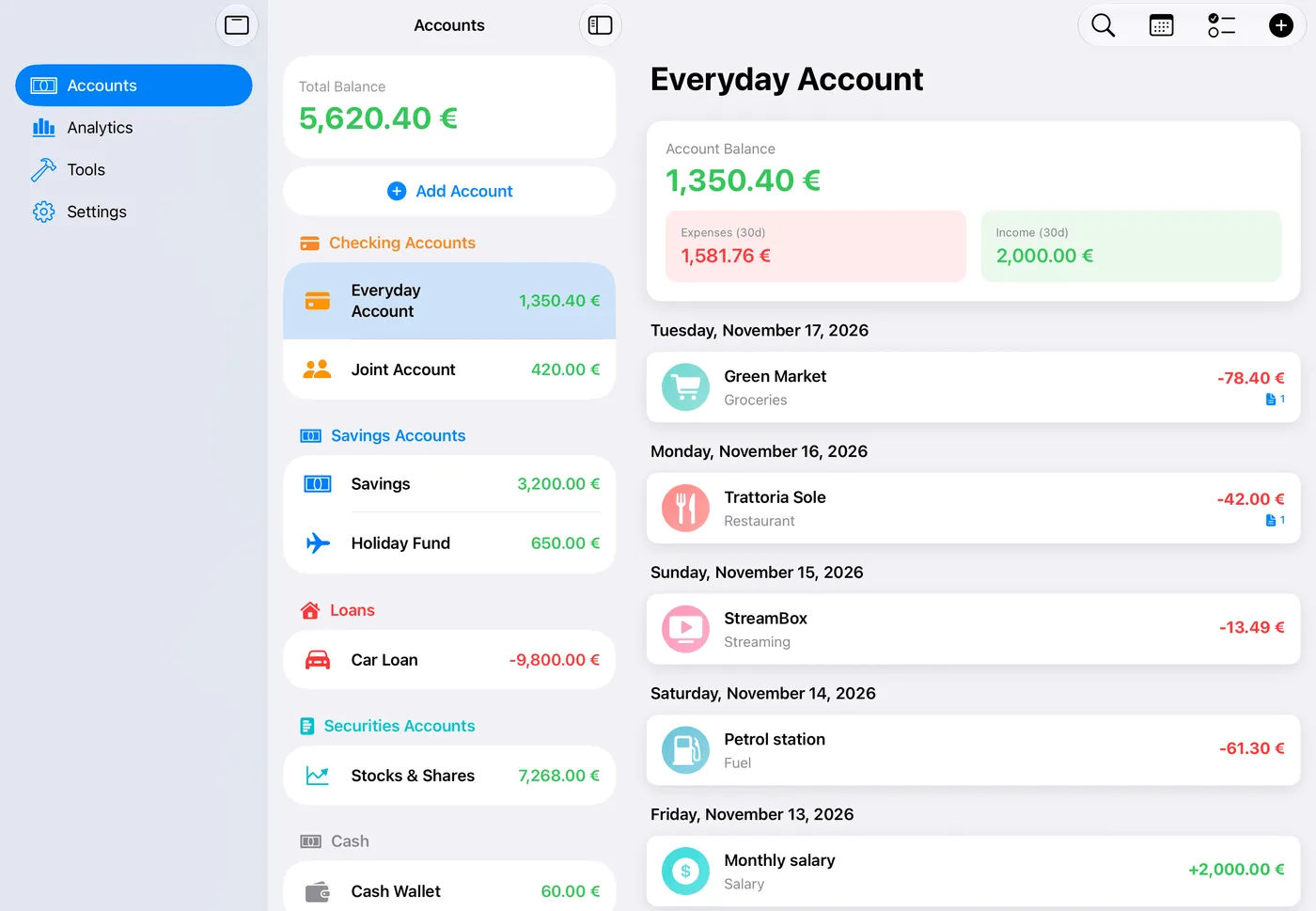 FinaPrism on iPad, held in landscape (demo data).
- A sidebar replaces the tab bar: Accounts, Analytics, Tools, Settings. It appears when the iPad is in landscape, and you can collapse it. In portrait, the tabs move to the top of the screen.
- Accounts: your accounts on the left, the chosen account’s transactions on the right.
- Tools: the list of tools on the left (budgets, savings goals, the shopping list…), the open tool on the right.
- Settings: the list of settings on the left, the chosen one on the right.
- Analytics: the cards line up in a grid, two columns wide.
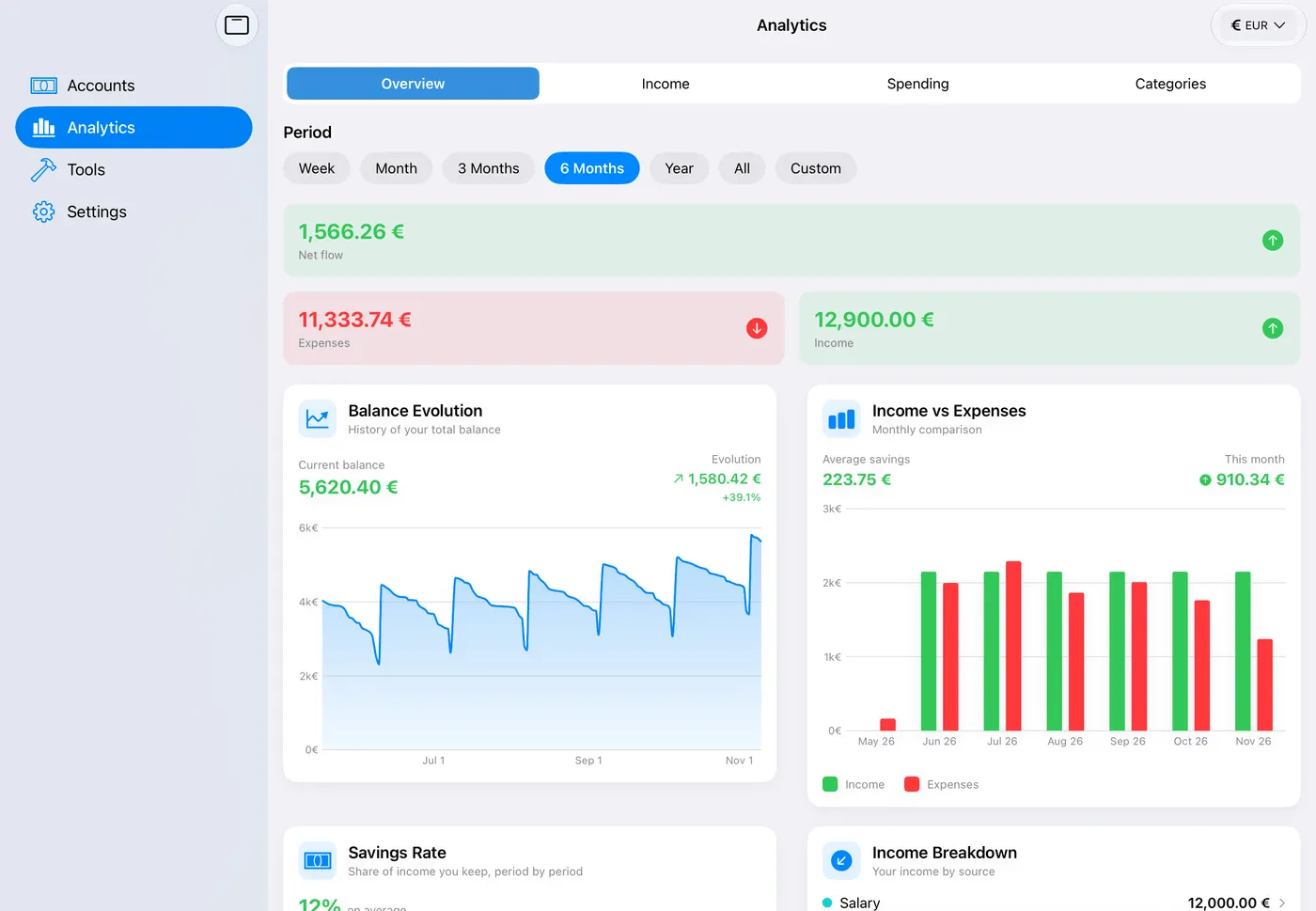 The Analytics tab on iPad: cards in a grid (demo data).
In a narrow window, when you share the screen with another app for example, FinaPrism switches back to its iPhone layout; the columns return as soon as the window is wide enough. The sidebar needs iPadOS 18 or later: on iPadOS 17, the app keeps its tab bar, with the same columns.
And on iPhone Duo
Closed, iPhone Duo is an iPhone: FinaPrism looks just as it does on any other. Open, the inner screen has room for two columns, and the app takes the same layout as on iPad: lists on the left, details on the right, and the tabs in a vertical bar along the side.
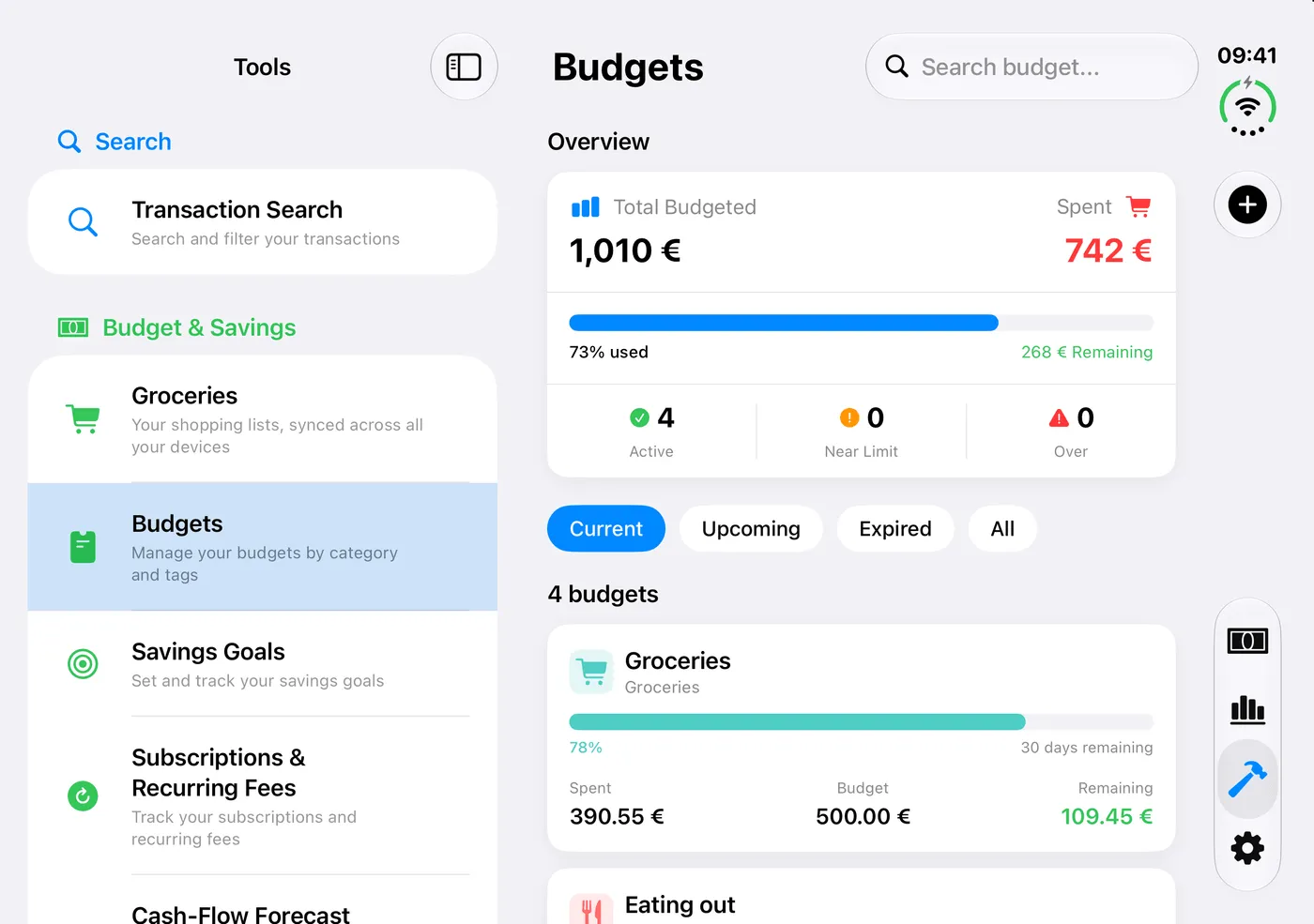 FinaPrism on iPhone Duo, open: tools on the left, the Budgets tool on the right (demo data).
Your data on all your devices
On iPhone and on iPad it’s the same FinaPrism account: sign in with the same account, and you’ll find your accounts, transactions and budgets, kept up to date from one device to the other. A purchase logged on your iPhone at the till is there on your iPad in the evening.
Syncing between your devices is part of the free version. Your plan follows your account: a Premium or Elite subscription works on your iPhone and on your iPad alike.
What’s free
FinaPrism is free on iPhone, iPad and iPhone Duo: up to 3 accounts, unlimited budgets and tags, analytics, savings goals and syncing between your devices. Premium (7-day free trial) adds statement import, subscription detection and the cash-flow forecast, among other things; the Elite plan adds Household sharing. No bank connection, no ads, no ad tracking.