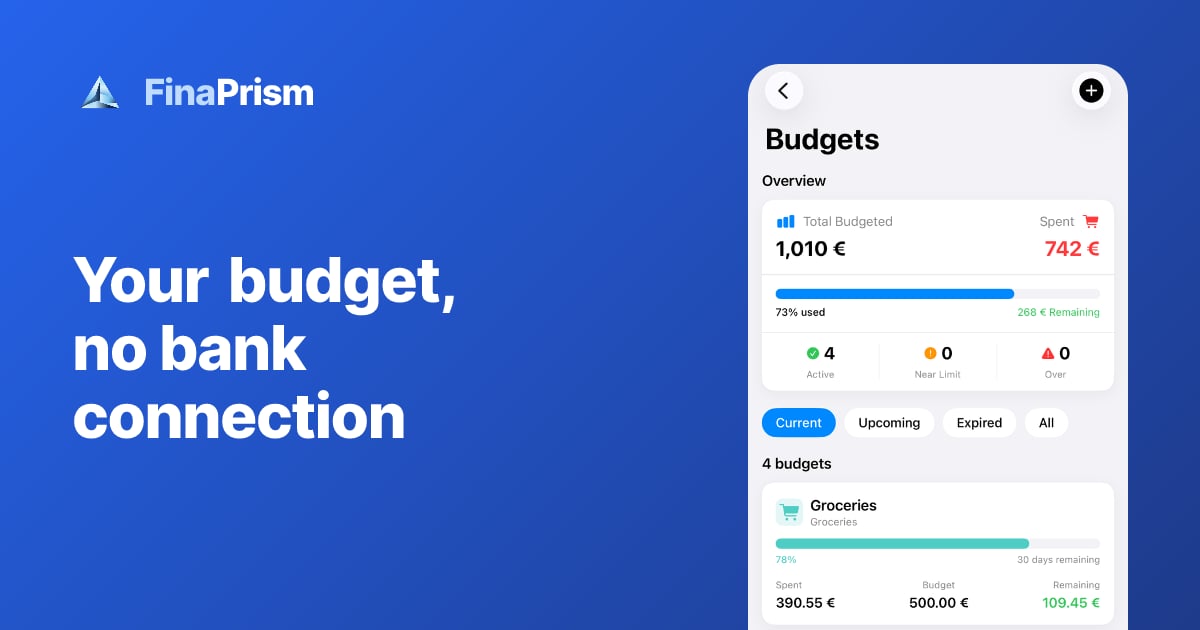
Looking for an iPhone app to track your budget without giving it access to your bank accounts? Here are five things to check before you install one, and what FinaPrism does on each of them.
1. It never asks for your bank login
Some budget apps connect to your bank through open banking: a regulated provider reads your accounts, with your consent, and transactions arrive on their own. Others don’t connect at all, so you stay in charge of what goes into the app. The first screen tells you which kind it is: if it asks you to pick your bank, the app works by connecting to it.
In FinaPrism: the app never connects to your bank. You create your accounts and enter their balance, and your online banking login stays with your bank. You can also lock the app with Face ID.
2. Logging an expense takes seconds
Without a bank connection, some of your spending gets logged by hand. A good test: count the taps it takes to record a coffee, from your iPhone’s Home Screen to the saved expense. If it’s slow, you’ll give up within a week.
In FinaPrism (free version): the “Quick add” widget on your Home Screen, or Siri (“Add an expense in FinaPrism”), with the amount and the category.
3. You can import your statements
You don’t have to type everything in: your bank lets you download your transactions or statements from its website or app. Check which files the app accepts, whether you can review what it read before it’s saved, and whether it spots transactions that are already there. We cover this method in Track spending without linking your bank.
In FinaPrism (Premium, with a 7-day free trial): import reads your PDF or CSV statements, a photo, a screenshot, a text file or pasted text. It finds the accounts and transactions and sorts them into categories; you check the result before it’s saved, and transactions already in the app are spotted, so nothing is counted twice.
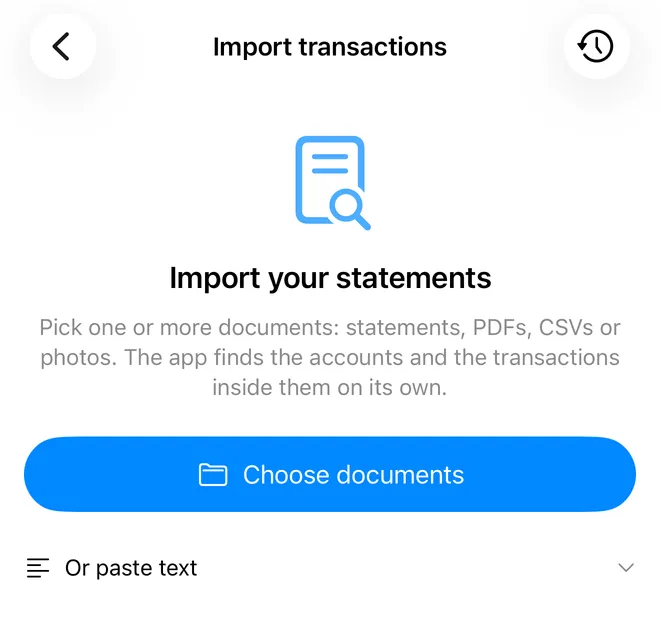 Statement import in FinaPrism.
4. You can budget as a couple
If you manage money with a partner or as a family, check that each person can keep their own accounts and choose what they share. The different ways to organise it are in How to split bills as a couple.
In FinaPrism (Elite plan): Household sharing brings together up to six people. You choose, account by account, what becomes shared, and nothing is shared by default.
5. You know what’s free, and there are no ads
Look at what the free version really lets you do, with no time limit, and what needs a subscription. Check whether the app shows ads, too.
In FinaPrism: the free version is free forever, with no credit card required. It includes up to 3 accounts, unlimited budgets and tags, charts and analytics, savings goals, transaction search, widgets, and a recap by email every week and every month. Premium and Elite come with a 7-day free trial. FinaPrism shows no ads and does no ad tracking.